
Kassensysteme mit persönlicher Betreuung in Südbaden, am Bodensee, in der Nordwestschweiz und in Zürich
Kassensysteme mit persönlicher Betreuung in Südbaden, am Bodensee, in der Nordwestschweiz und in Zürich
With a self-order kiosk, your guests put together their meal on screen, pay by card and the order goes straight to the kitchen. Shorter queues at the counter, no misheard orders – and your team has its hands free.
For leafsystems, HIOPOS and Lightspeed – set up by Kassenprofis
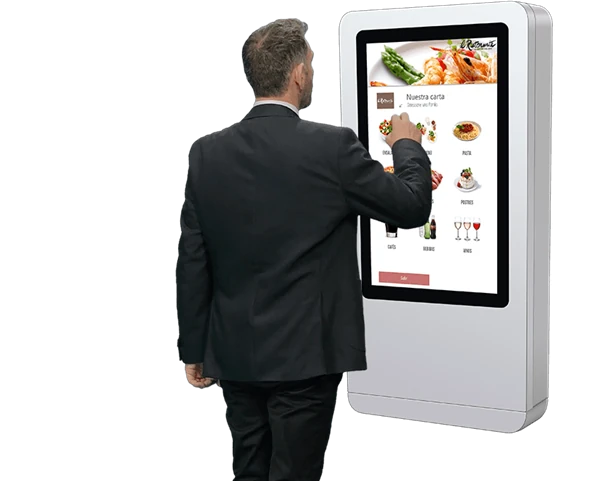
In short: A self-order kiosk pays off if a queue regularly forms at peak times: guests order and pay themselves, and the order goes straight to the kitchen. We set up kiosks for leafsystems, HIOPOS and Lightspeed. The cost depends on the device (counter or floor stand), the card terminal and the software module – you get a concrete offer during the consultation.
Several guests at onceShorter queues at peak times
Extras always offeredSides & drinks with every order
Pay at the kioskCard or smartphone
3 POS systemsleafsystems, HIOPOS, Lightspeed
01
Why a self-order kiosk?
No more queues at the counter.
At lunchtime ten guests are waiting while one person at the counter takes orders, asks about sauce, side and drink, types everything in and takes payment. Every order takes time, and special requests lead to mistakes. At the kiosk, several guests order at the same time – at their own pace and exactly the way they want.
The kiosk is not a separate system next to your POS: it is part of it. Items, prices and sales run through your POS system, and the order goes straight to the kitchen. We set everything up for you – from the device and the menu to card payment.
02
Six reasons why takeaways, street food outlets and quick-service restaurants are switching to self-service.
Several guests order at the same time instead of waiting one after another at the counter. Especially at the lunchtime peak, you get through more orders.
The kiosk offers extras, sides and drinks with every order – friendly, but never forgotten. And guests take their time browsing on screen.
Guests choose for themselves, and the order goes to the kitchen exactly as placed. No mishearing at a noisy counter, no wrongly entered topping.
Your team focuses on preparing and serving food instead of taking orders and handling change. That also helps when staff are in short supply.
Filling, toppings, sauces, size: the kiosk guides guests step by step through their choices. Ideal for tacos, bowls, burgers or loaded fries with lots of variations.
Kiosk, POS, kitchen monitor and reporting work hand in hand. Nothing is entered twice, and you see your sales in one place.
03
From the first tap to collection in four steps.
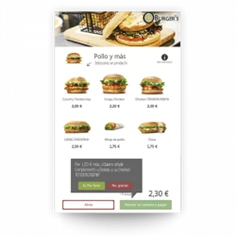
The kiosk suggests extras, sides and drinks right during selection.
Guests choose dishes, extras and drinks on screen – with photos and descriptions. If you like, the kiosk asks whether they are eating in or taking away.
Payment is made by card or smartphone directly at the kiosk. Guests receive a receipt with a pick-up number – or a pager that lets them know when their food is ready.
The order appears immediately on the kitchen monitor or is printed on the kitchen printer. With several stations, each item automatically goes to the right place.
On the pick-up monitor, the number switches from “Preparing” to “Ready for pick-up” – or the pager goes off. Sales and items sold appear directly in your POS.
04
Pick-up display
Everyone can see when their food is ready.
After ordering, guests receive a number. On the pick-up monitor in the dining area they can see at any time how far along their order is:
No calling out across the counter, no crowding at the pick-up point and no questions about whether the food is ready yet. This is how Curry & Fritz in Freiburg works, for example.
Preparing
147
148
150
151
Ready for pick-up
144
146
149
So that nobody has to queue at the till again after ordering, payment is made directly at the kiosk.
More on Card payment.
05
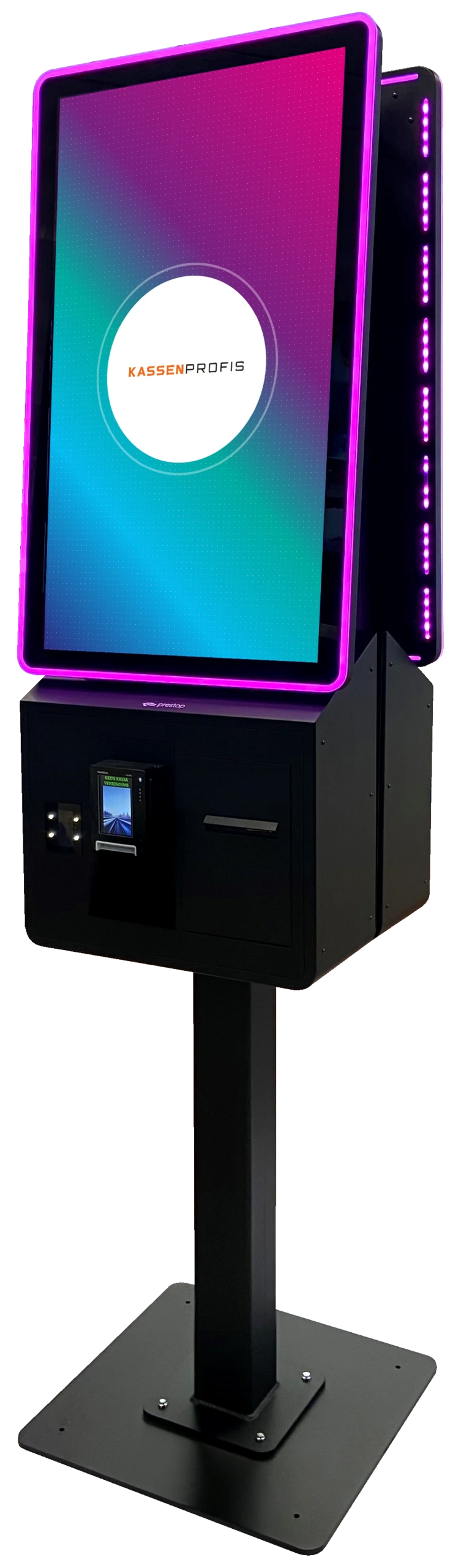
Kiosks from Prestop for the counter or free-standing – all with Android and LED light strip.
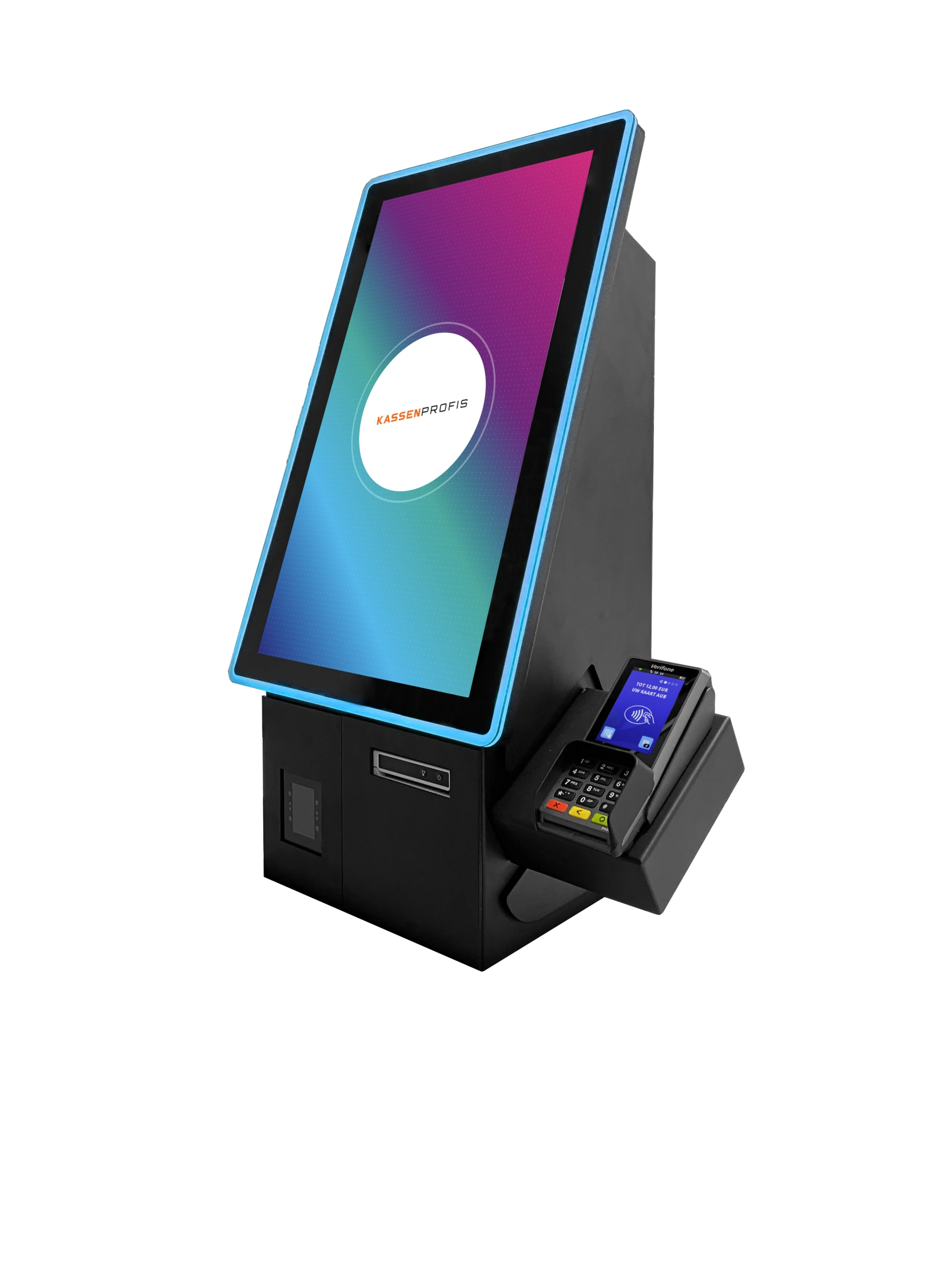
Counter · 22 inch
Portrait-format kiosk for the counter. Space-saving and highly visible – the classic for takeaways and cafés.
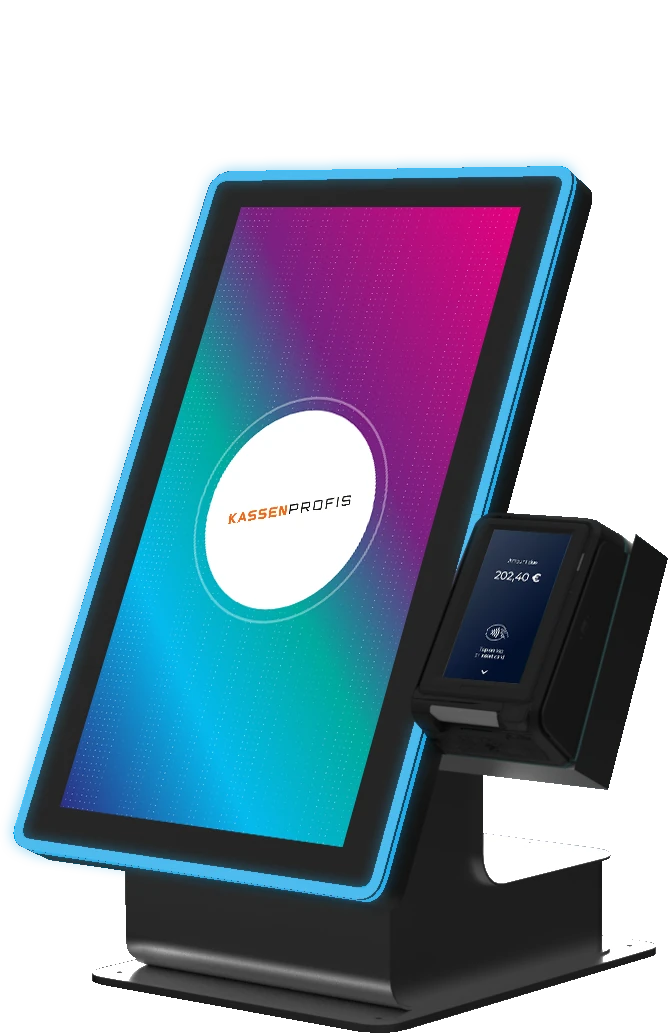
Counter · 22 inch
Flat housing for the counter. A good fit when there is little depth and the receipt does not need to be printed at the kiosk.
Floor stand · 32 inch
Large kiosk on a floor stand, usable from both sides. For businesses where many guests order at the same time.
06
We implement self-order with three POS systems. Already using one of them? Then we check how the kiosk can be connected to your set-up.

Kiosk module built into the system – with kitchen monitor, pick-up monitor and optional cash payment machine. This is also how Yepa Yepa in Freiburg works.

Self-order via partner solutions such as OrderMonkey or Jamezz, which are connected to the Lightspeed POS. We set up the connection for you.
A self-order kiosk shows its strengths wherever guests order at the counter and it gets busy at peak times:
Two takeaways working with self-order kiosks – what wasn't working before and what we implemented together.

Reference
Yepa Yepa, Freiburg
Self-order terminal instead of a sales conversation: how the taqueria cuts the queue at the counter.

Reference
Curry & Fritz, Freiburg
Self-order, QR code, pick-up displays and digital signage for the Münstermarkt classic.
“With the self-order kiosks and QR code ordering from Kassenprofis, we were able to avoid waiting times and long queues. Practically all orders run through the kitchen monitor.”
07
That depends on the device, your POS system and whether guests pay by card directly at the kiosk. We put together the right combination for you and make you an offer. You can buy the kiosk, lease it or finance it via hire purchase – more on this in the guide Leasing, buying or rent-to-own a POS system.
With leafsystems and HIOPOS the kiosk runs directly within the system. With Lightspeed we implement self-order via partner solutions such as OrderMonkey or Jamezz, which are connected to the POS. Using a different system? Then we'll check together which solution fits.
By card or smartphone directly at the kiosk – for example with the Adyen P630, which is designed for self-order kiosks. For cash payments, leafsystems also offers Cashmatic payment machines. We'll work out the best way to handle cash in your business during the consultation.
Straight after payment – onto the kitchen monitor or as a ticket on the kitchen printer. At Yepa Yepa in Freiburg, for example, the system distributes orders across three kitchen monitors. Nobody has to type anything in.
Depending on your workflow, with a pick-up number on the receipt, with a pager guests receive when ordering, or via a pick-up monitor in the dining area: the number first appears under “Preparing” and switches to “Ready for pick-up” as soon as the kitchen marks the order as done on the kitchen monitor.
For the counter, the 22-inch models Prestop Eminent EM22P and Evolution EV22P are a good fit. If many guests order at the same time, the Evolution EV32P DUO on a floor stand is the better choice: it can be used from both sides. We'll discuss which model suits your space and number of guests during the consultation.
Yes. You manage items, prices and photos in the back office of your POS system. During set-up we build the kiosk menu with you and show you how to adjust it yourself afterwards.
Yes. Guests scan the QR code and order on their own smartphone. Many businesses use both: the kiosk for walk-in customers at the counter and the QR code for guests at the table – just like Yepa Yepa and Curry & Fritz in Freiburg.
A good match for the kiosk: Digital Signage for menu boards and offers, as well as Online ordering for pick-up and delivery. You can see the matching devices in our showroom.
More solutions: POS solutions · Card payment · Customer loyalty · Online vouchers · Reservations · Online ordering · Rental POS · Time tracking · Wi-Fi · Pager · QR code
On-site advice: POS systems for your region
We look at how ordering works at your counter and tell you honestly whether a self-order kiosk is worth it for you, and which one – by phone, online or on site.
